PSX emulator
A new PlayStation emulator for MorphOS, faster than what the platform has today.
I am on leave from 16 to 24 October: registered versions will be sent as soon as I return.
Native applications for MorphOS
Create, organize, explore, play — natively.
Native MorphOS software, fast and elegant
By registering or supporting my applications, you can request new features, ask for a translation in the language of your choice (subject to feasibility), and get priority support. You can also commission a custom MorphOS project tailored to your needs.
Version 2.7
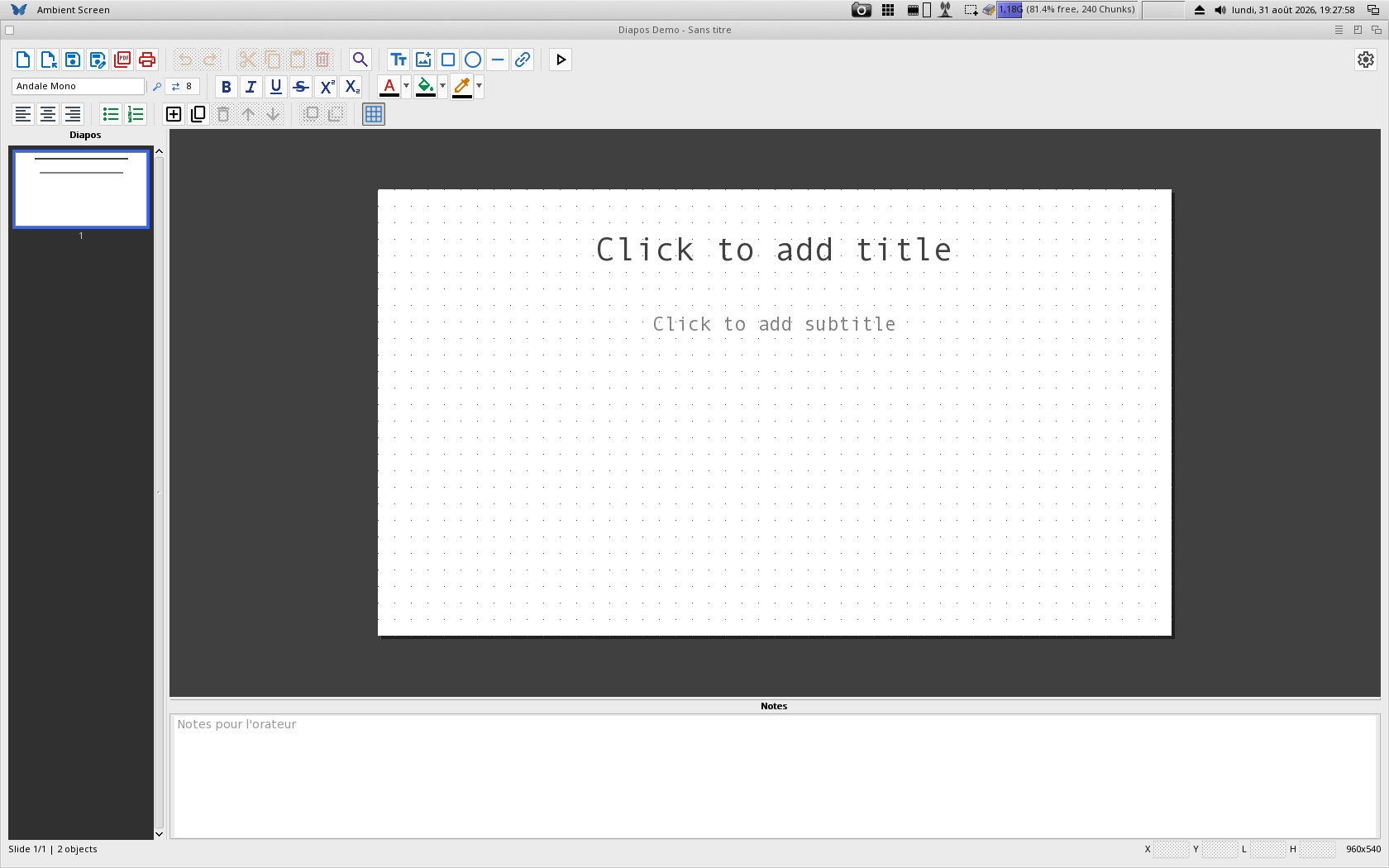
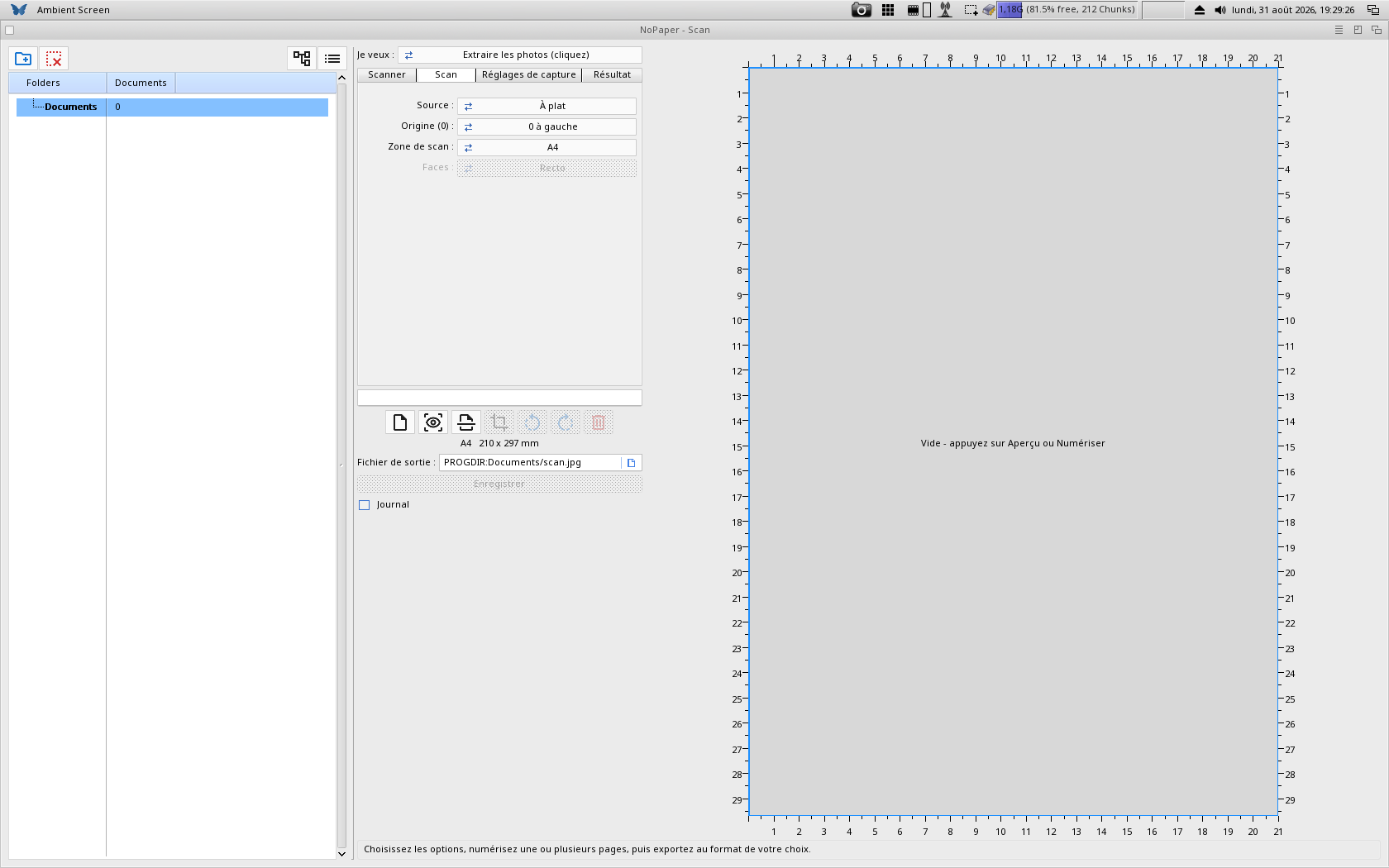
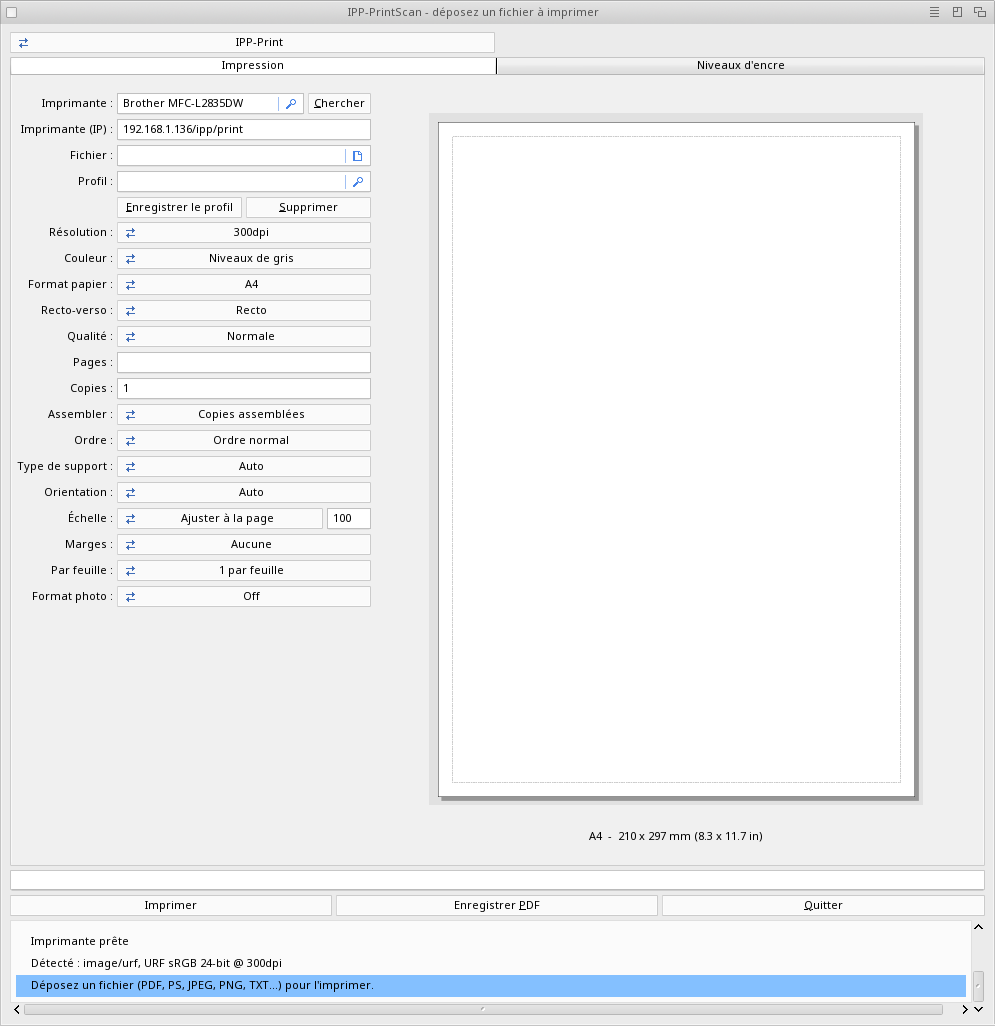
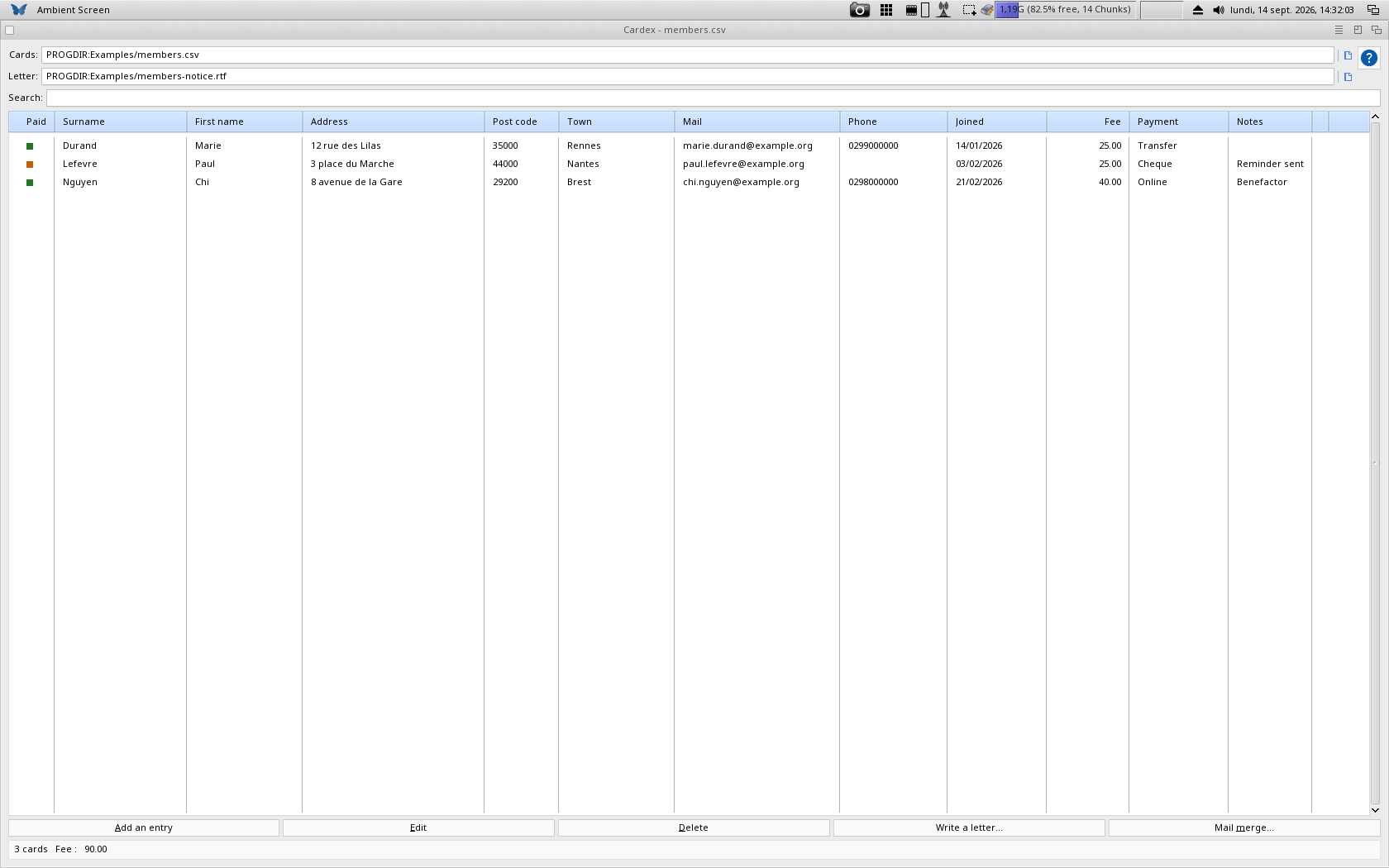
The whole office suite in one archive: Stylos (word processor), Sigma (spreadsheet), Diapos (presentations), IPP-PrintScan (driverless printing and scanning), NoPaper (scanning and document management) and Cardex (card file). A launcher finds the programs beside it and opens the one you pick on the screen you pick — with two screens it places them left and right. What the programs share — the fonts, Ghostscript 10.07 native PPC for printing and the print preview, the text recognition engine — now sits once in a Shared drawer instead of being copied into each program. Unpack it anywhere, an SD card included: nothing is written outside the drawer, no program touches ENVARC: or your system preferences, and uninstalling means deleting the drawer.
Version 1.3
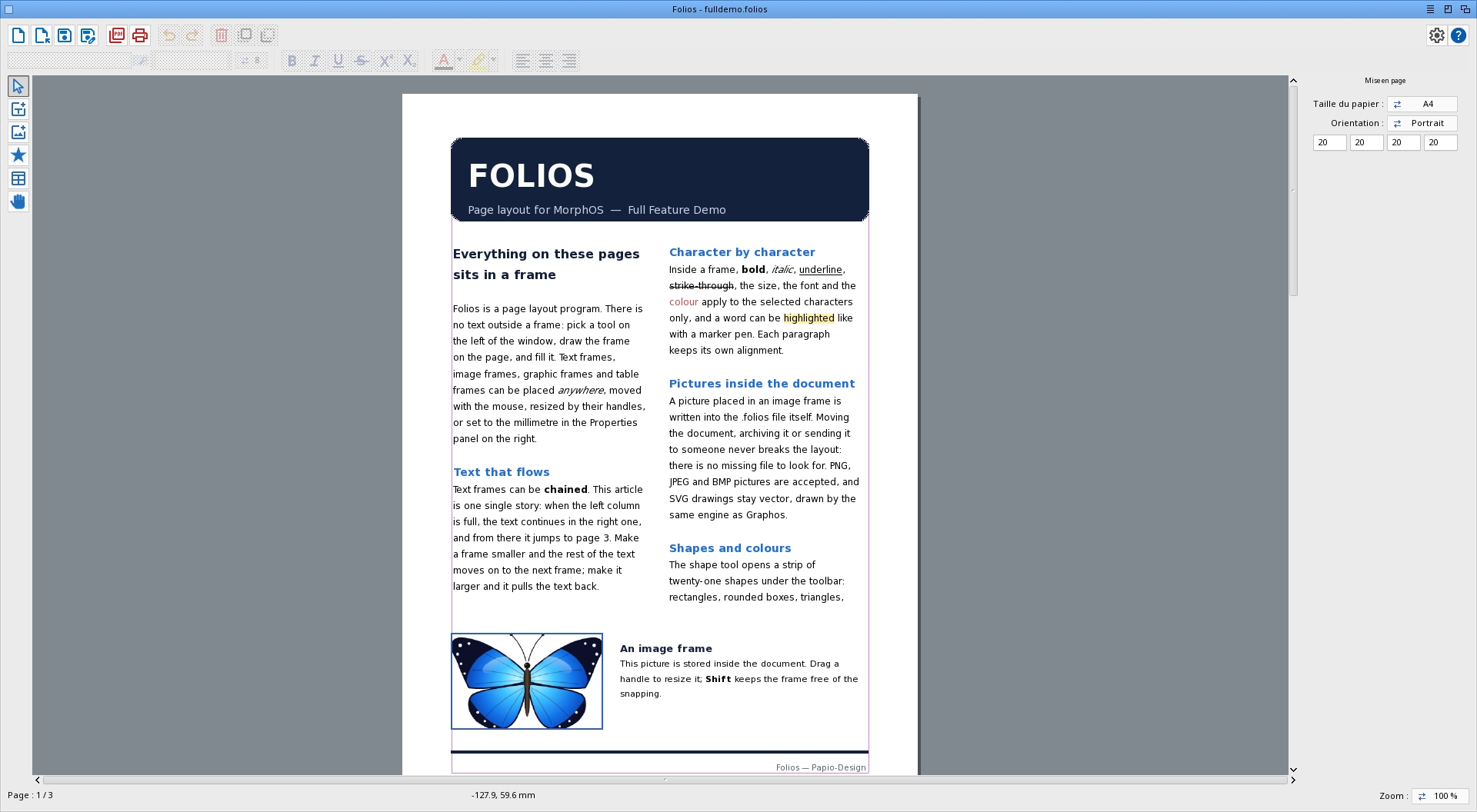
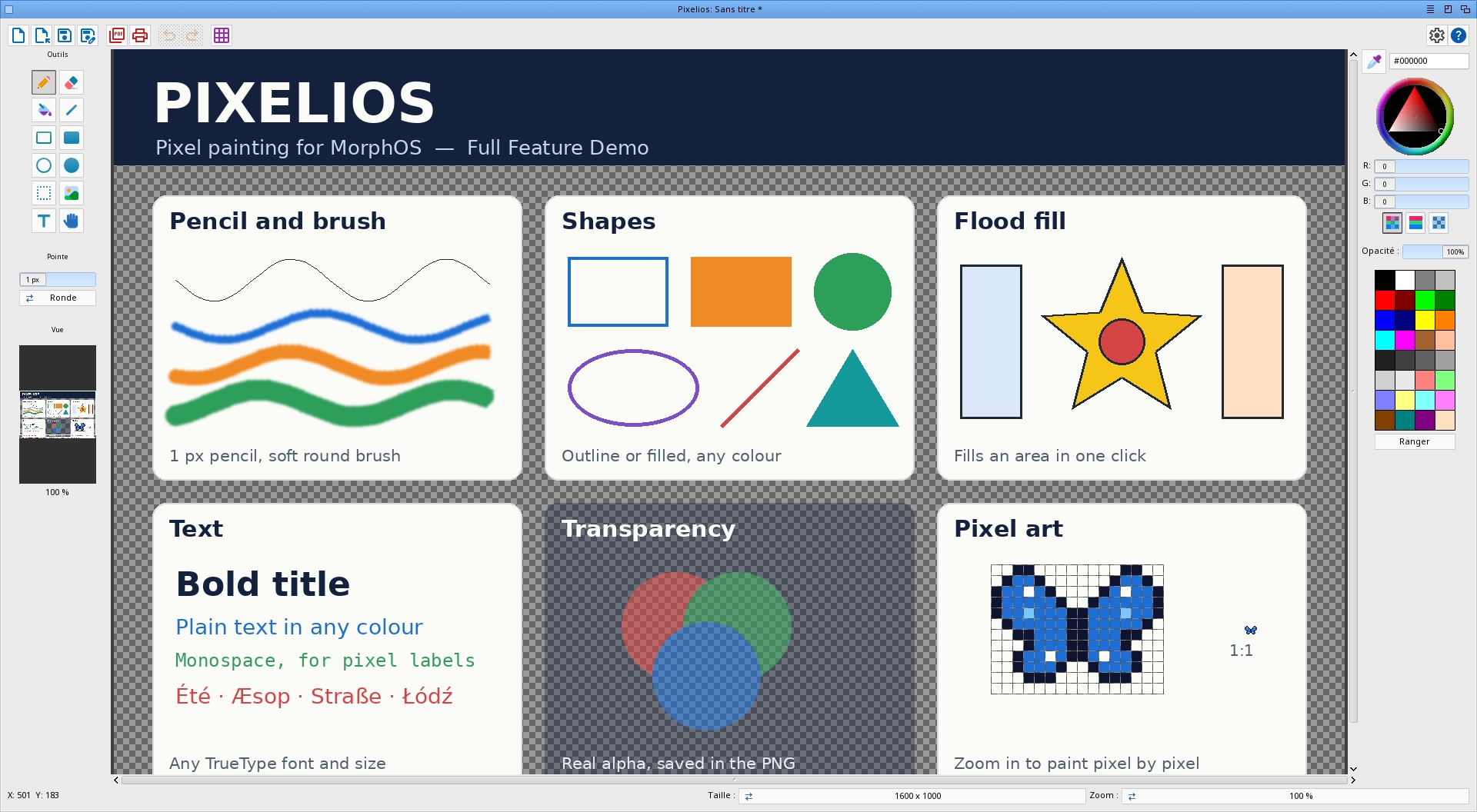
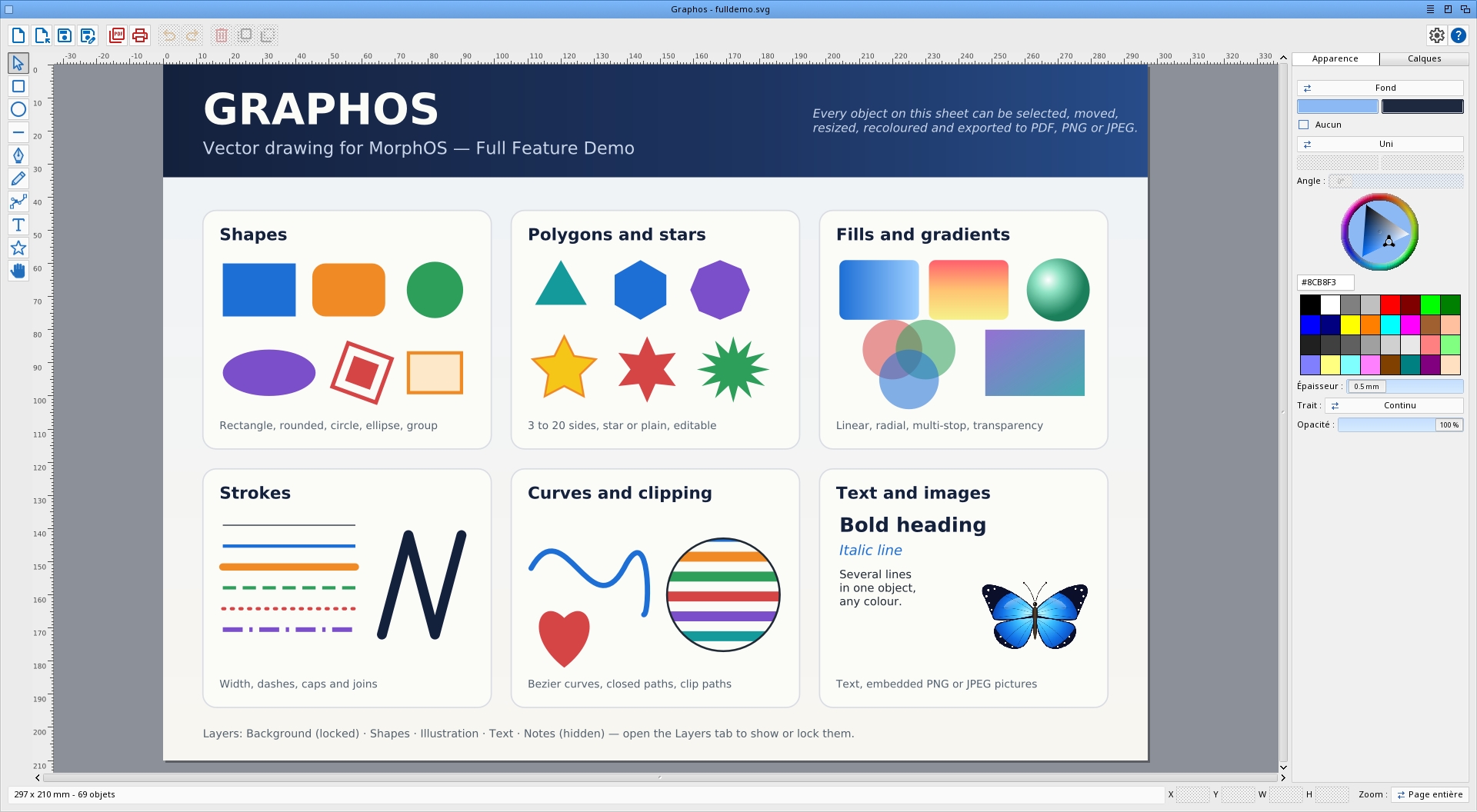
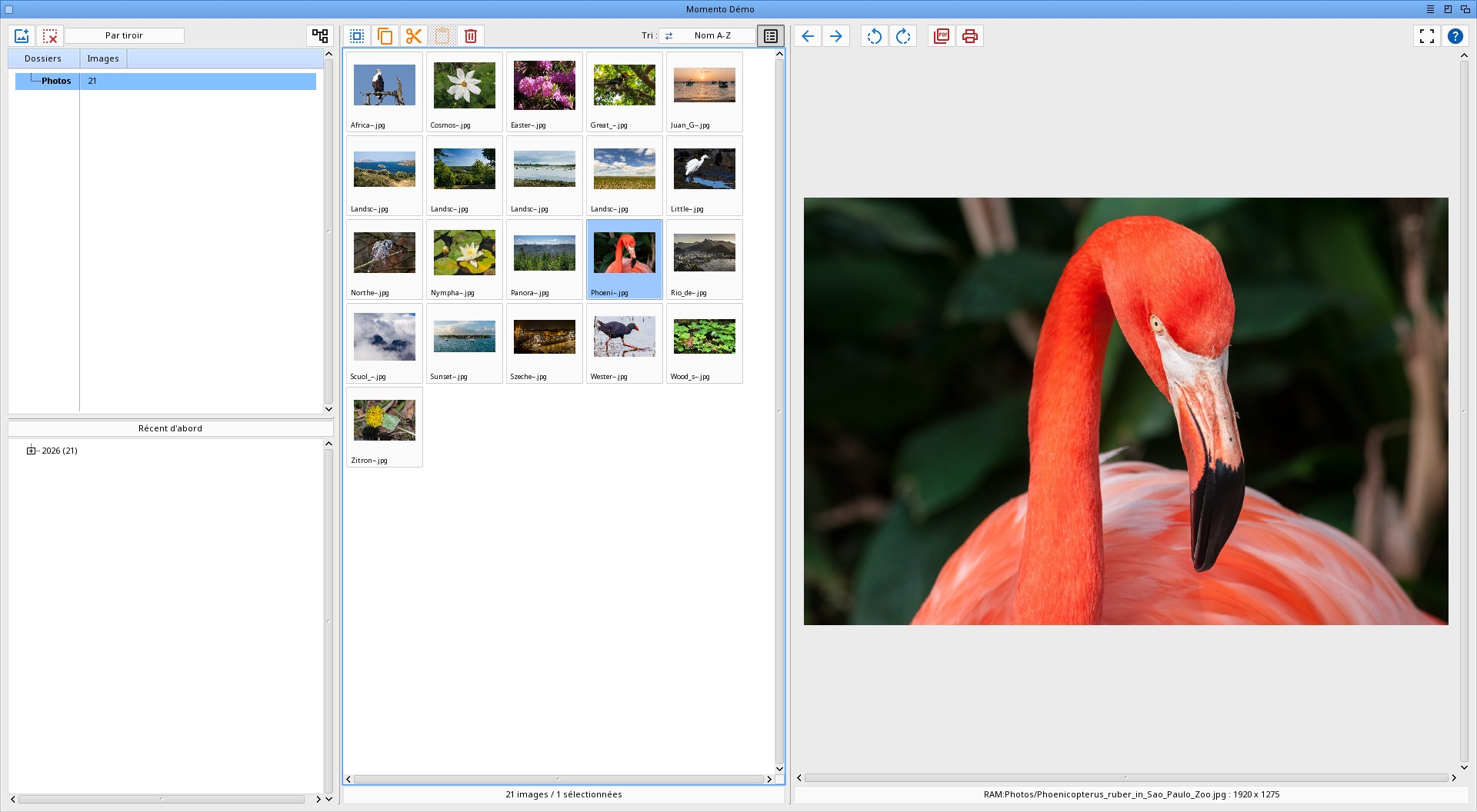
The design and publishing pack in one archive: Folios (page layout), Graphos (vector drawing), Momento (your photos) and Pixelios (pixel painting, formerly Croquis). A launcher opens each program on the screen, and in the part of it, you choose. Folios, Graphos and Pixelios save a copy of your work every five minutes and offer it back after a crash. Copy the drawer wherever you like: nothing is written outside it, and every program speaks 16 languages, its manual included.
Version 4.7
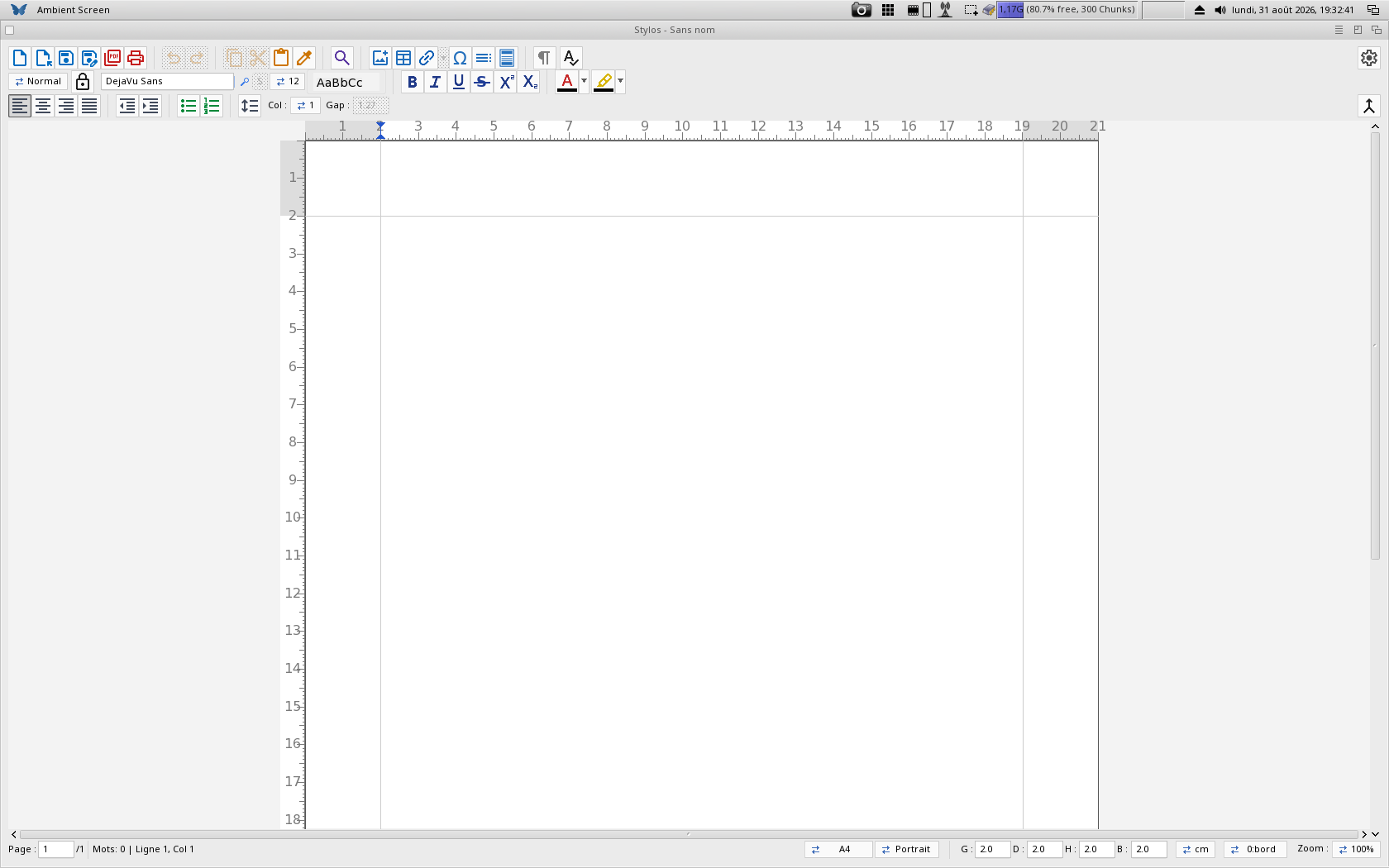
A full-featured WYSIWYG word processor built natively for MorphOS. Stylos lets you create professional documents with complete UTF-8 Unicode support, advanced text formatting including hyperlinks, superscript/subscript, and high-quality TrueType font rendering via TTEngine. Stylos now does mail merge from a CSV, ODS or XLSX table — one copy per record, keeping the template's layout, styles, images and tables — and writes OpenDocument (ODT) as well as reading it, alongside footnotes and endnotes with automatic renumbering and ODT/DOCX import that brings in page setup, headers/footers and notes — on top of a tabbed print dialog with live preview and N-up printing, spell checking, multi-column layouts, driverless IPP / AirPrint printing, an automatic table of contents, PDF export with embedded fonts, rich tables, floating images and unlimited undo/redo. Everything you need to write letters, reports or technical documentation. Word documents are written as well as read: a .docx received can be opened, edited and sent back in the same format.
Version 3.8
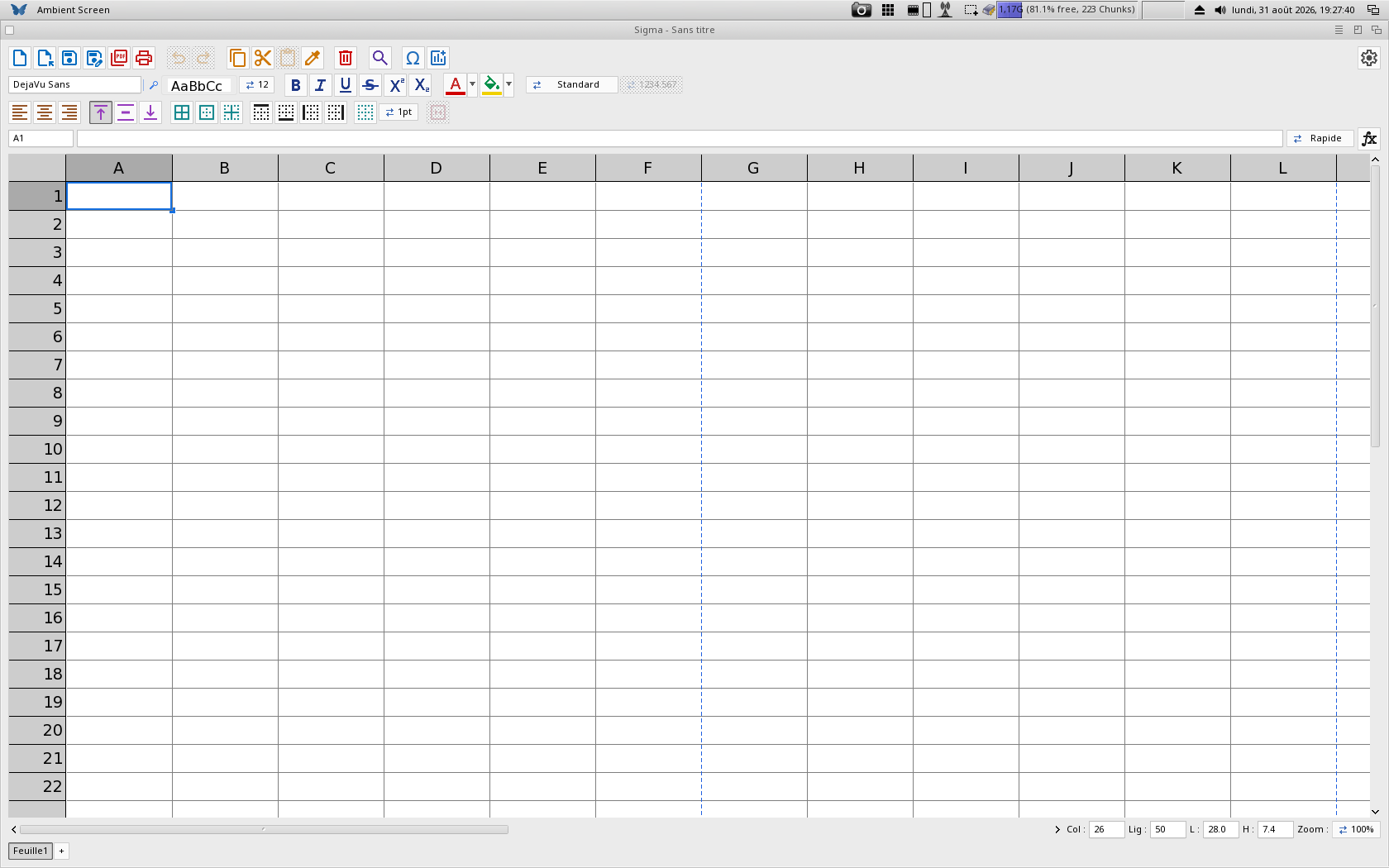
A native spreadsheet for MorphOS built with MUI and TTEngine for TrueType font rendering. Sigma offers live formulas, rich cell formatting and native OpenDocument (.ods) import/export, with full UTF-8 Unicode support throughout. A sparse cell model means a grid of millions of logical cells stays light on memory — RAM tracks only the cells you actually use. Sigma now holds up to 256 sheets in one document, draws charts (bars, lines, pies) live from the cells, freezes panes, imports and exports XLSX, and lets you write your own number format codes as in Excel — on top of a large formula engine with function names you can type in your language, merged cells, Excel-like borders, a fill handle, range sort, driverless IPP / AirPrint printing with live preview, PDF export with embedded fonts and autosave with crash recovery. Big documents open: a 9.5 MB workbook that used to ask for 232 MB of memory now asks for 17.6.
Version 2.5
A native presentation program for MorphOS, built with MUI and TTEngine for TrueType rendering. Diapos edits slides on a WYSIWYG canvas, plays them full screen with transitions, and reads and writes PowerPoint (.pptx) natively — text and its formatting, pictures, shapes, tables, hyperlinks, lists, slide numbers, transitions, stacking order, the angle of a turned shape and the speaker notes all travel both ways. Up to 256 slides of 64 objects each, in 16:9. Formatting goes down to the character, rectangles and lines turn as vector work and stay editable at any angle, and a range of cells copied from Sigma pastes as a real table with the fonts, styles and alignments of its cells.Insert > Table asks for the number of rows and columns, a cell holds its text at the top, the middle or the bottom, and a right-click gives each object its own menu.
Version 1.6
A scanner and paperless document manager for MorphOS: two things in one window. A library — a tree of drawers on the left, the documents of the selected drawer in the middle, the page itself on the right — and a scanner page that takes their place when you press the scan button. The drawer tree never moves, and that is the whole point: you scan into the drawer you are looking at, so the page is filed the moment it is saved. NoPaper shows PDF and PostScript through Ghostscript and every usual image format on its own, reads the text off a scanned page through Tesseract, and writes a PDF you can search.A PDF also opens as a column of its pages: move them, remove them, drag them into another order, drop a second PDF to add its pages, and Save writes the reworked document beside the original, which is left untouched.

Version 1.8
IPP-PrintScan puts driverless printing and scanning in one program. A cycle at the top of the window switches between them: printing on one side, scanning on the other — the window stays, only the page changes. It sends any file — PDF, PostScript, images or plain text — to an IPP / AirPrint printer, and captures pages from an eSCL / AirScan scanner, with OCR searchable-PDF output and multi-page scanning. Because the two halves now live together, one search finds the printer and the scanner at once, and a scanned page can go straight to the printer. Devices are discovered via mDNS / Bonjour, with no driver and no configuration. IPP-PrintScan replaces IPP-Print and IPP-Scan, which it contains, and uses the same registration. A batch fed through the ADF is kept and saved as one multi-page PDF, and the profile you were using comes back the next time the program opens.
Version 1.4
A card file you define yourself. A layout file says which fields exist, of what type and how wide; the grid and the entry form are built from it, so the same program keeps a membership list, an inventory or a collection. A search box above the table narrows the cards as you type, on every field at once. And the cards go out: one letter per card written in Stylos, the list or sheets of address labels printed, or the whole thing exported as a PDF.

Version 0.3
A native 3D solid modeler for MorphOS, built on the OpenCASCADE (OCCT) geometry kernel with a MUI interface. Modulo creates primitives (box, sphere, cylinder, cone, torus, wedge), combines them with boolean operations (fuse, cut, common) and reworks them with fillet, chamfer, shell and linear/circular arrays, then measures exact volume, surface area and center of mass. Its 3D viewport renders in software everywhere, or hardware-accelerated through TinyGL / Warp3D, with shaded, wireframe and technical-line (HLR) modes.

Version 0.5
A native internet radio player for MorphOS built with MUI. RadioNet draws on the community RadioBrowser directory (World Top and 26+ countries) and plays streams internally, with no external player: MP3 and OGG through the Reggae framework, AAC through a dedicated decoder. It shows a two-column station list, a "Now Playing" panel (logo, format, bitrate, country, language, genres and website link) and drag-and-drop favourites. Version 0.4 switches AAC decoding to Fraunhofer FDK-AAC for much better HE-AAC / HE-AACv2 quality and glitch-free 192k streams. Stations that hand out a playlist (.m3u8) instead of a stream now play too — that is how nearly every BBC channel is served.
Version 1.5
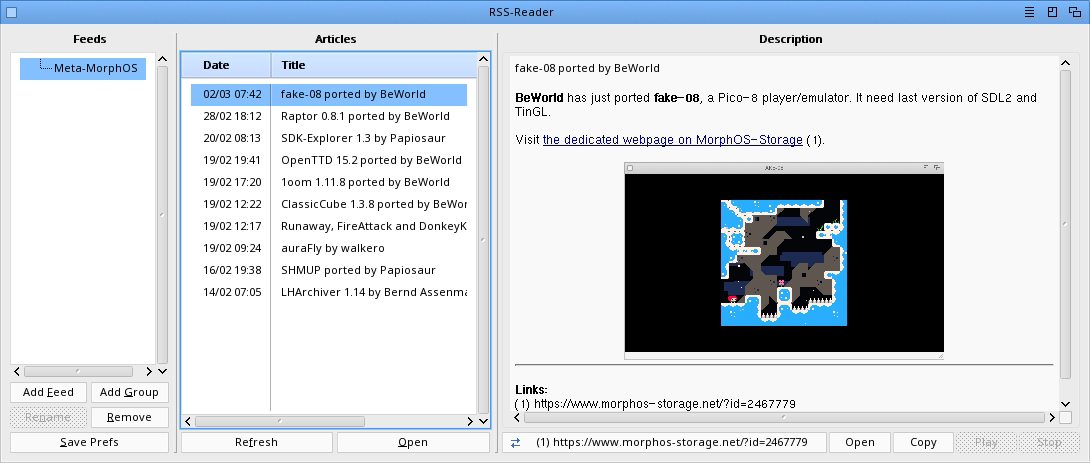
A native RSS and Atom feed reader with integrated podcast playback. RSS-Reader keeps you up to date with your favorite websites, blogs and news sources, all from a clean MUI-based interface. Its built-in audio player powered by the Reggae multimedia framework lets you listen to podcasts without leaving the application. Version 1.3 raises the feed limit to 512 and adds automatic backups of your feed list.
Version 1.3
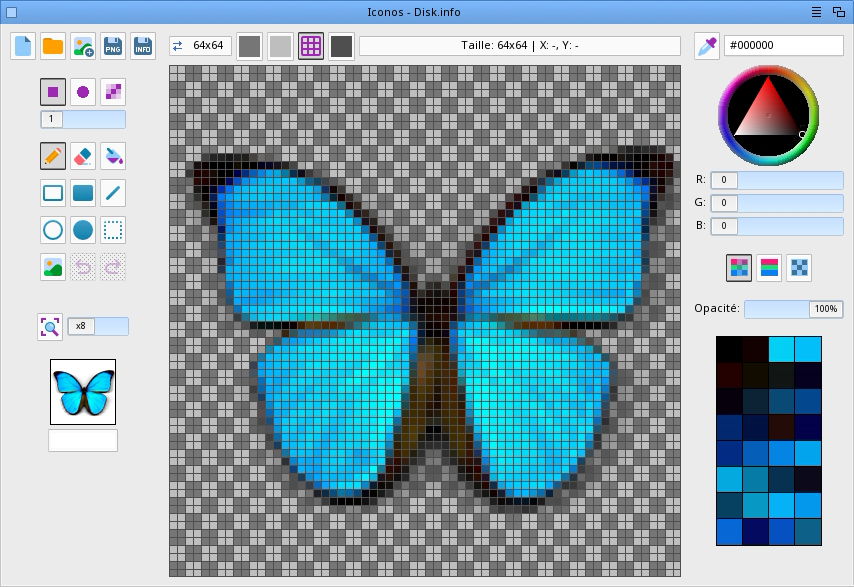
A professional icon and pixel art editor designed specifically for MorphOS. Iconos provides all the tools you need to create, edit and fine-tune system icons and pixel art with precision. With nine drawing tools, real-time alpha blending and pixel-perfect zoom up to 32x, designing anything from small toolbar icons to detailed artwork is fast and intuitive.
Version 1.92
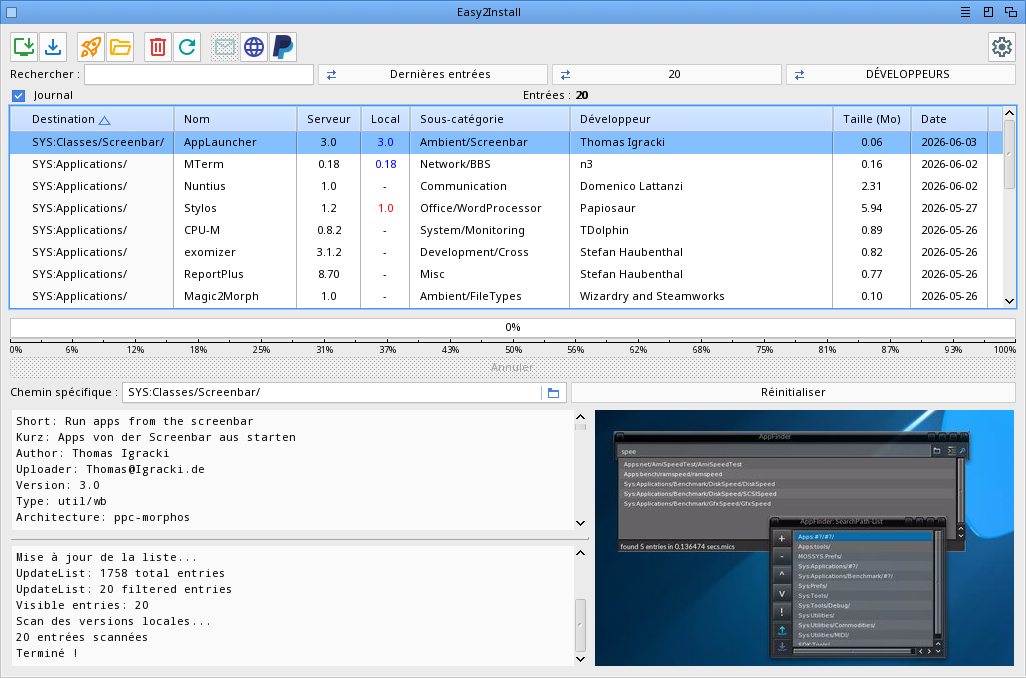
The easiest way to manage software on MorphOS. Easy2Install connects directly to the MorphOS-Storage repository, allowing you to browse, download, install, update and uninstall applications in just a few clicks, with version comparison and customizable destination paths to keep your software organized and up to date.
Version 1.1
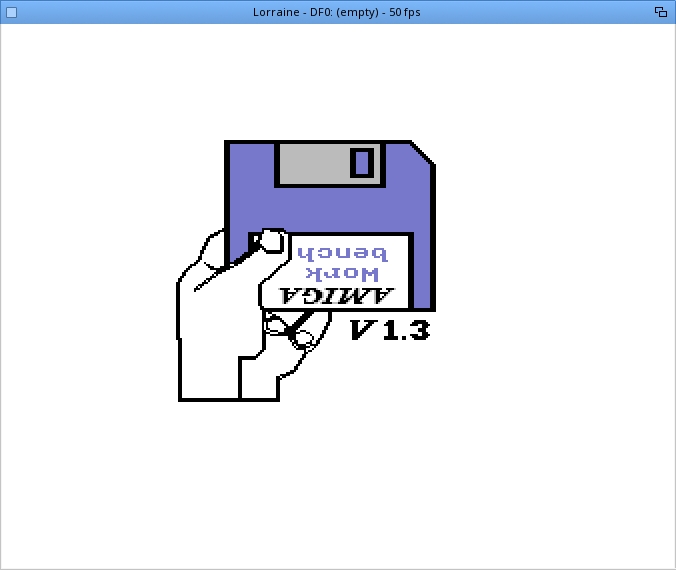
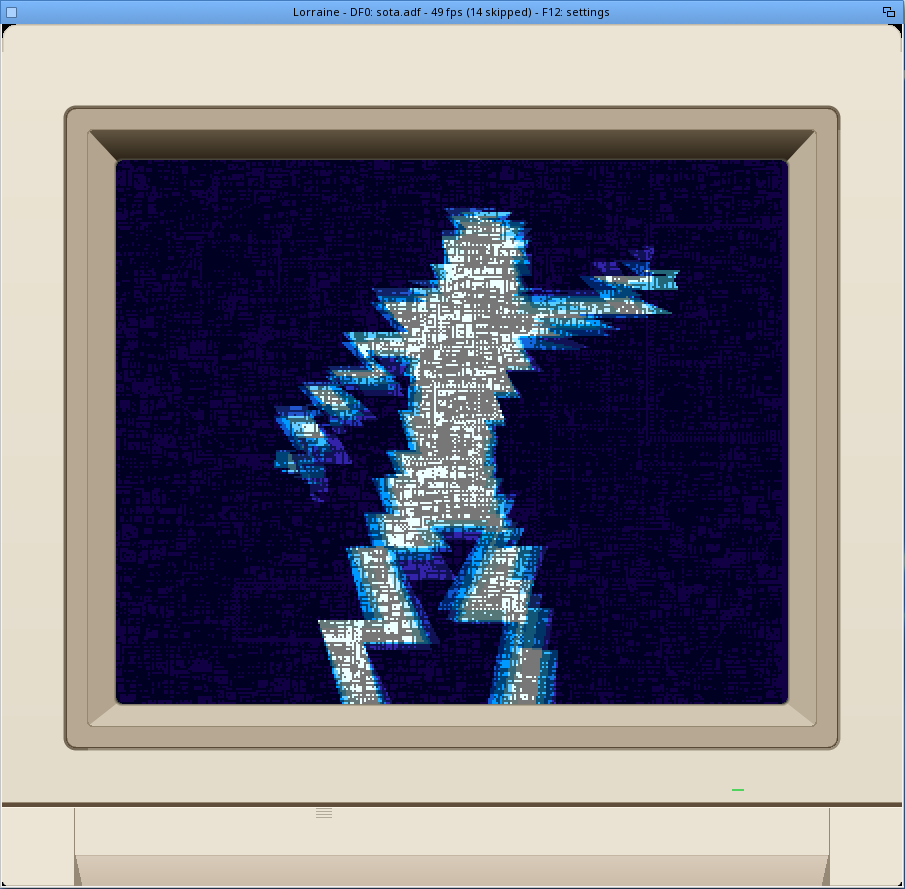
An Amiga emulator developed from scratch for MorphOS and designed for speed on PowerPC: 50 frames per second on a PowerBook G4 and on a Mirari. Lorraine emulates two PAL Amigas — an A500 (68000, OCS/ECS) and an A1200 (68EC020 to 68060, AGA) — and starts from your own Kickstart ROM (1.3 or 3.1) and disk images.
Version 1.4
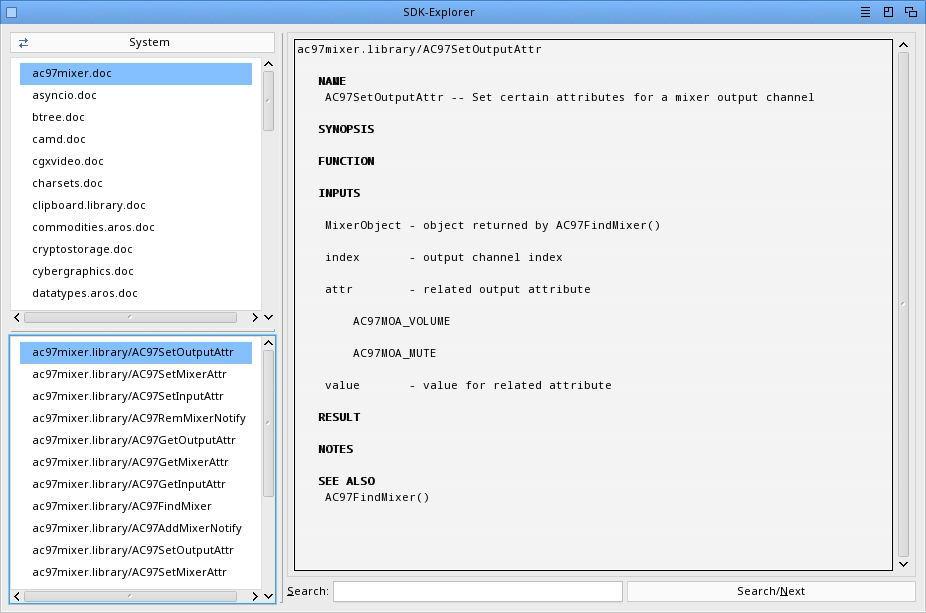
A comprehensive browser for the MorphOS SDK documentation, examples and header files. Built natively in C/MUI, SDK-Explorer consolidates autodocs, source code examples, header files and FD files into a unified three-panel interface, with syntax highlighting powered by Scintilla.mcc.
Version 1.13
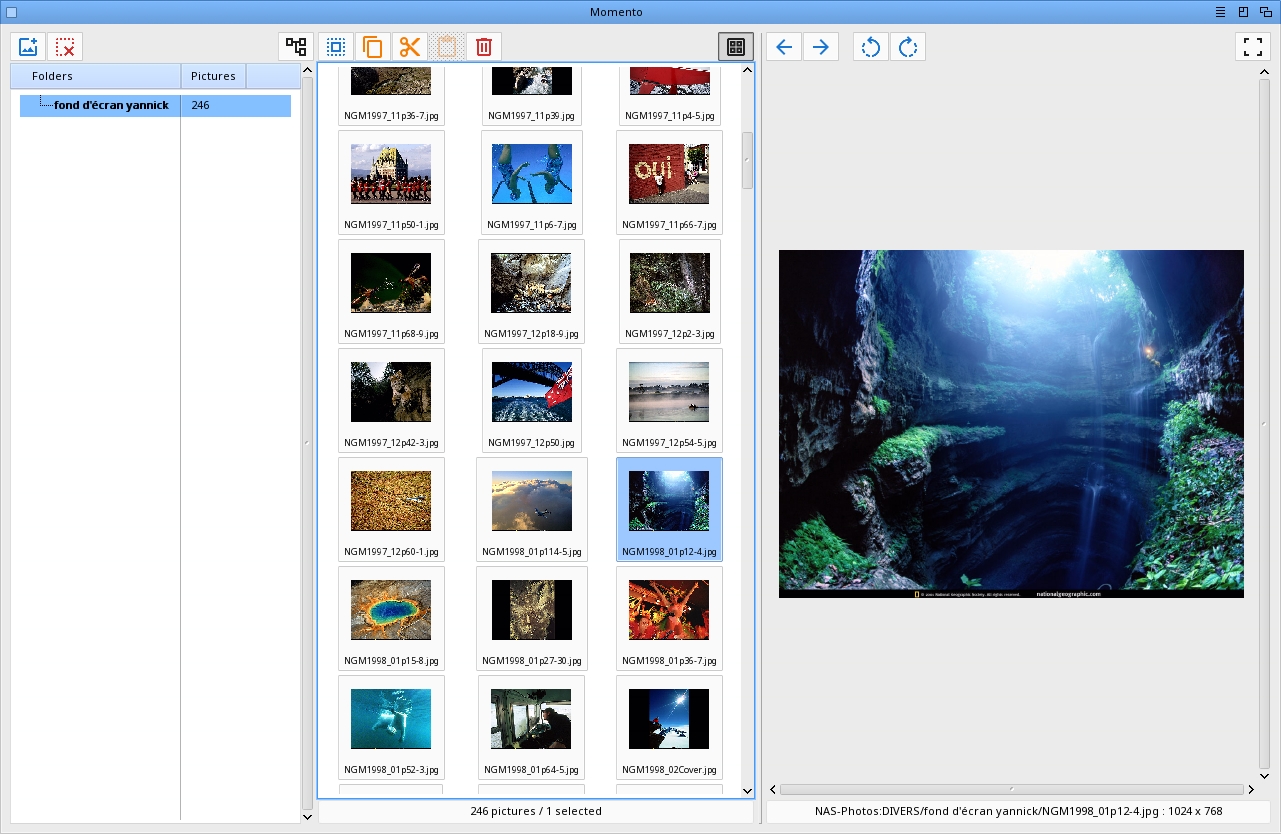
An image manager and viewer for MorphOS with a modern three-panel MUI interface (folders, files, preview). Momento lets you browse, organize and enjoy your photo collection with high-performance directory scanning, asynchronous thumbnails and lossless rotation. Designed for both casual users and photography enthusiasts who want a native solution to manage their images on MorphOS.
Native MorphOS applications I am writing right now
Version 0.1
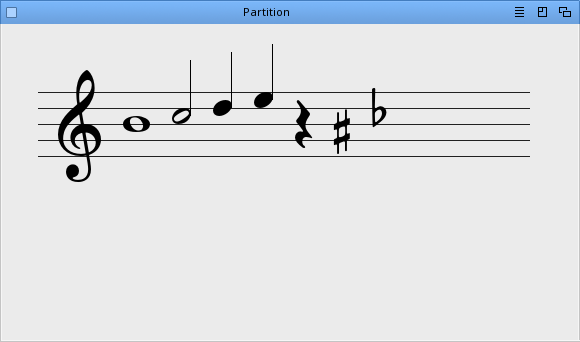
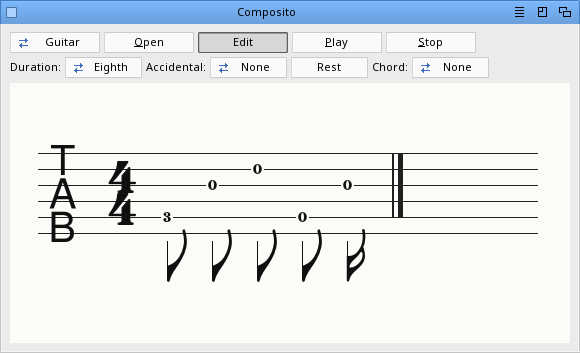
A music score editor for MorphOS, written in C with MUI. Composito engraves a single staff or a two-staff piano system, plays the piece back, and exchanges MusicXML with the rest of the world — so a score written here opens in MuseScore or Finale, and theirs opens here.
Version 0.1
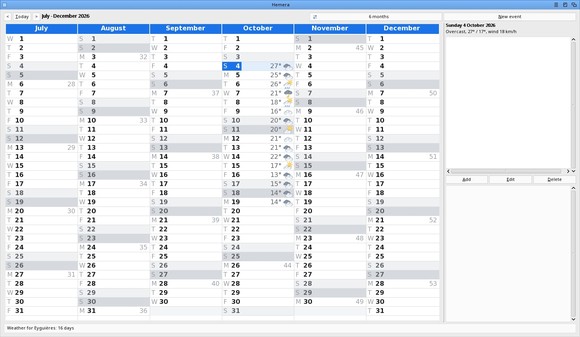
A calendar for MorphOS, written in C with MUI. Hemera shows your appointments by the week, by the month, or six months on one screen like a wall calendar. It imports and exports iCalendar (.ics) files, and puts the weather of the next sixteen days right into the calendar.
Version 0.4
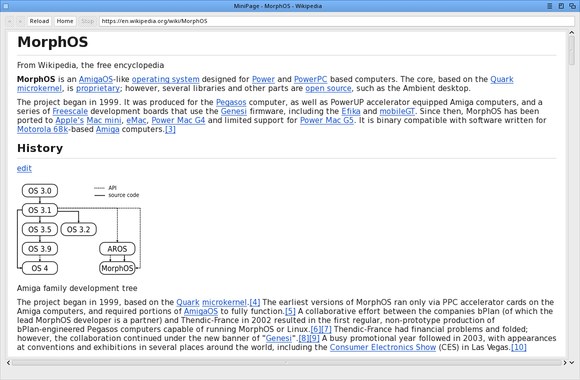
A reader for pages made of text, for MorphOS, written in C with MUI. MiniPage opens Markdown files, Gemini pages and plain HTML pages — documentation, blogs, Wikipedia articles — with real fonts, headings, lists, tables, pictures and links. It runs no JavaScript: for web applications, Wayfarer remains the tool.
Version 0.6
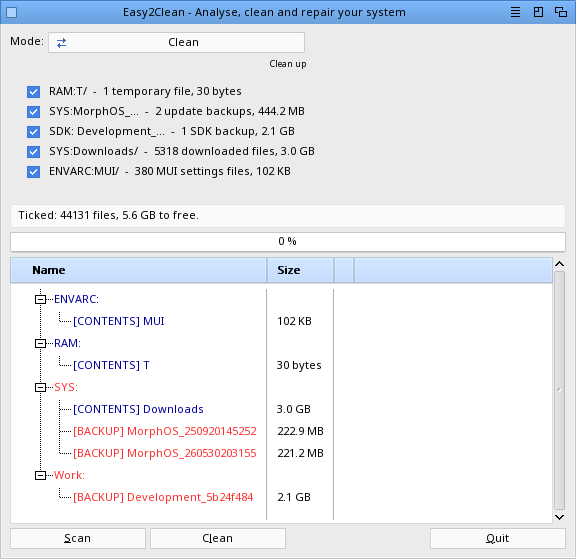
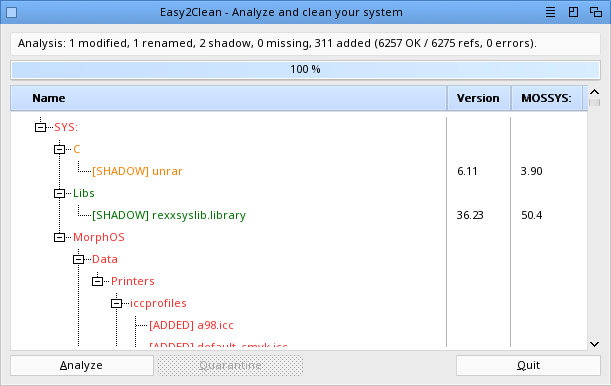
A system integrity checker for MorphOS. Easy2Clean compares your SYS: and MOSSYS: partitions against a built-in MD5 fingerprint of a clean MorphOS installation and reports everything that was added, changed, renamed or removed — then moves the offending file to quarantine instead of deleting it. Nothing to set up: launch it and click Analyze.
Version 0.4
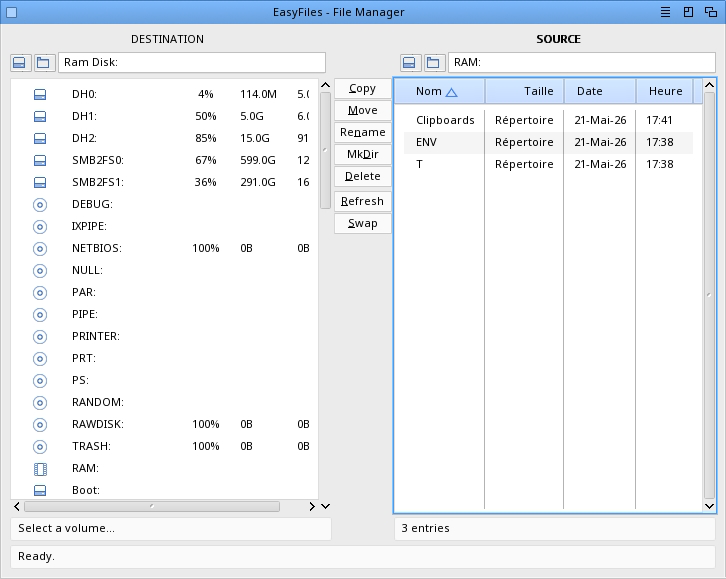
A dual-panel file manager for MorphOS. EasyFiles gives you two side-by-side panels for fast copy, move and organize operations, with full keyboard shortcuts, drag & drop from Ambient, volume switching and multi-selection — everything you need to manage your files efficiently from a single native MUI interface.
Version 0.5
A native Matrix client for MorphOS, written in C with MUI. BluePill talks to any Matrix homeserver directly (no web wrapper), with full end-to-end encryption via libolm cross-compiled for PowerPC: Olm, Megolm, cross-signing and server-side Megolm key backup retrieval.
Games and emulators I am currently bringing to MorphOS
A new PlayStation emulator for MorphOS, faster than what the platform has today.
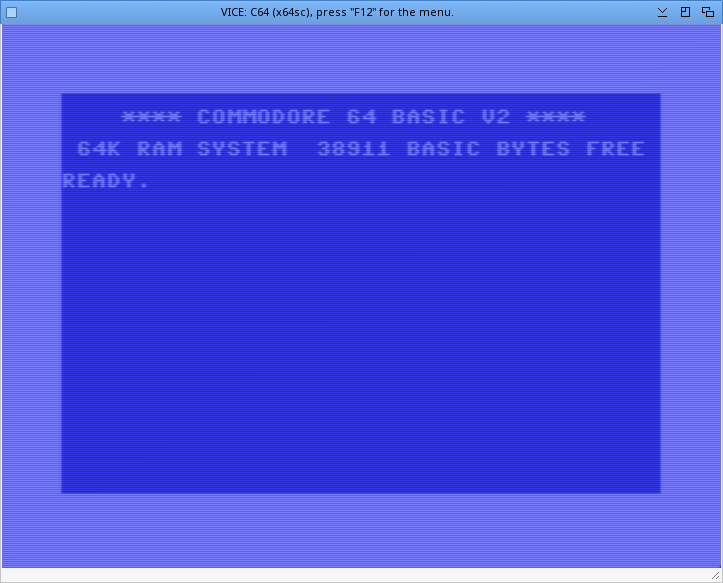
The Versatile Commodore Emulator, native on MorphOS: C64, VIC-20, C128, PET and the rest of the family, with the accurate x64sc core.
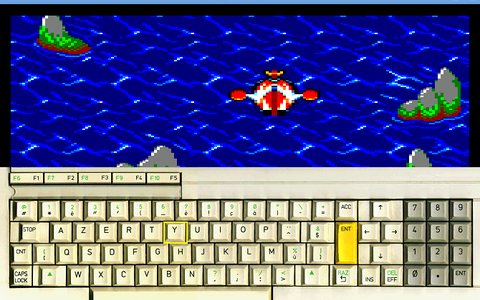
The MO5, TO7 and the rest of the French school machines, emulated natively.
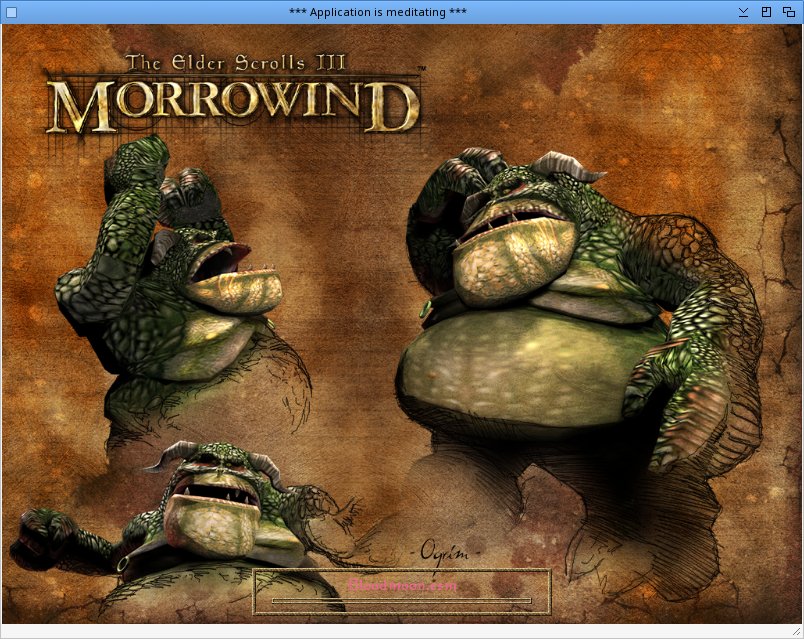
Bethesda's open-world role-playing game on the island of Vvardenfell, played from the data of your own copy.
Bullfrog's hospital, rebuilt open source and reading the original game data.
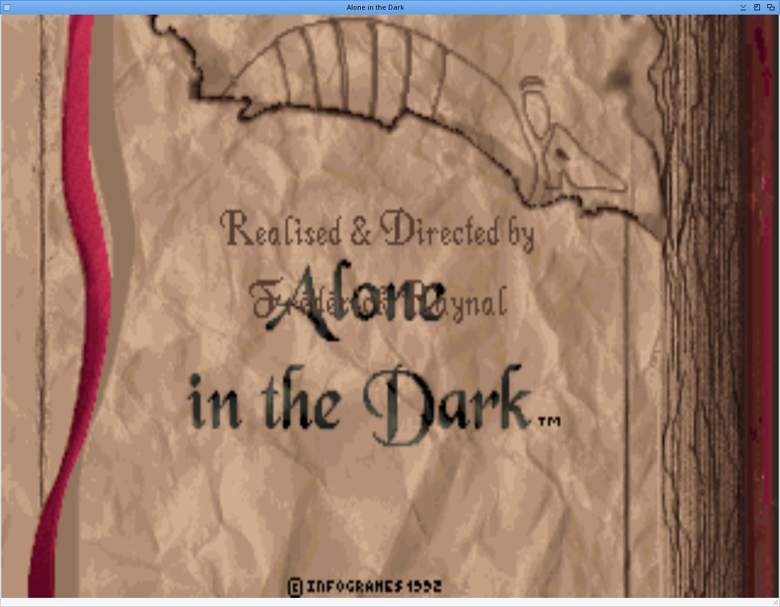
The founding survival horror, through the free FITD engine reading the original CD.
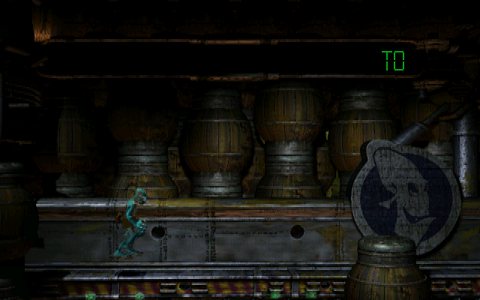
The 1997 classic through the R.E.L.I.V.E. engine, which replays the original data files.
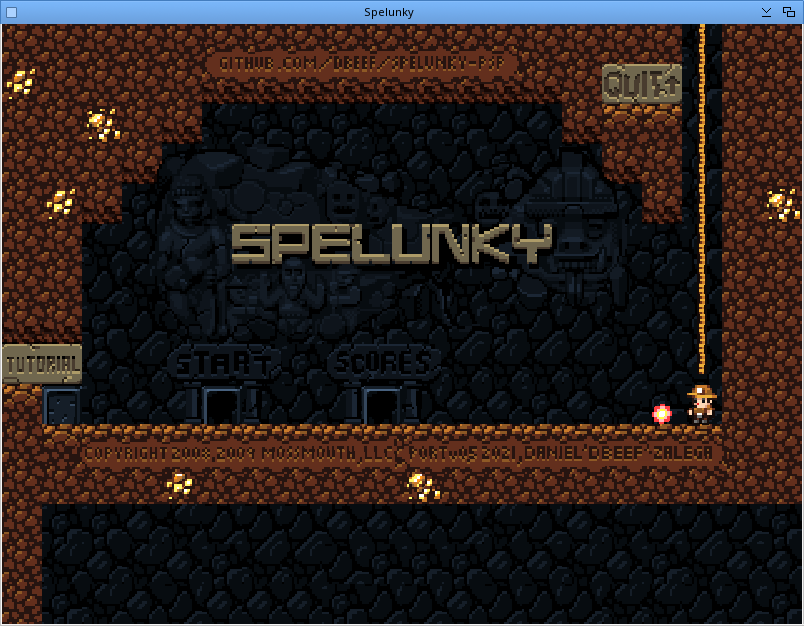
Derek Yu's cave explorer, where the levels change on every run, rebuilt from the original by Daniel Zalega.
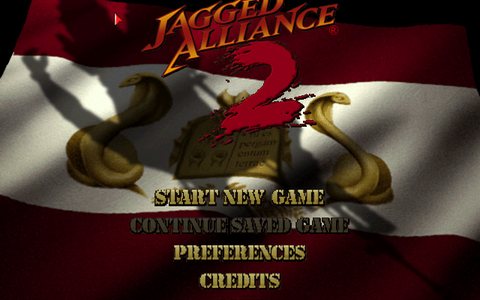
The turn-based tactics landmark, hiring mercenaries to take back Arulco.
Space combat at its finest, on the fs2_open 3.7.2 engine and its huge campaigns.
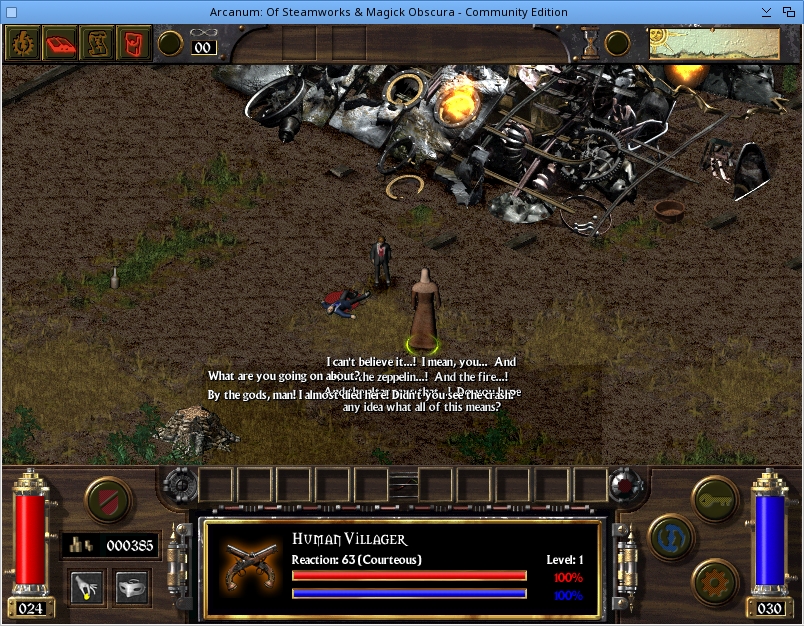
Troika's 2001 role-playing game, where magic and steam technology clash in a Victorian world, rebuilt by Arcanum Community Edition and played from the data of your own copy.
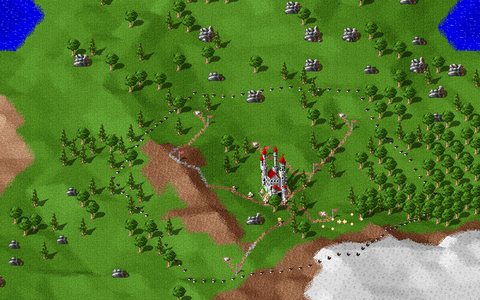
The first Settlers rebuilt open source, roads, goods and all.
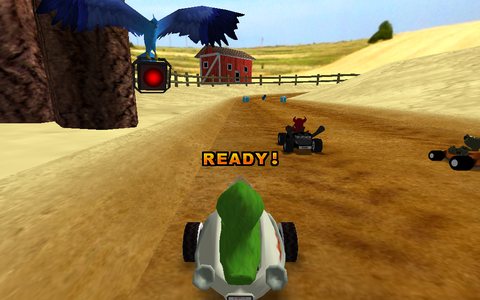
The free kart racer, with its tracks and its characters.
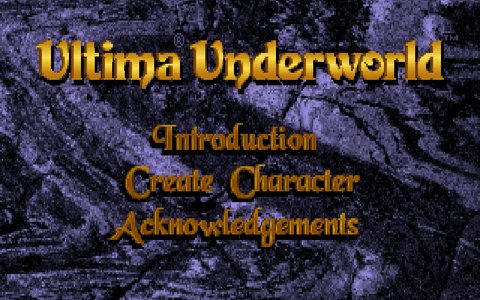
The first true 3D dungeon, revived by the Underworld Adventures engine.
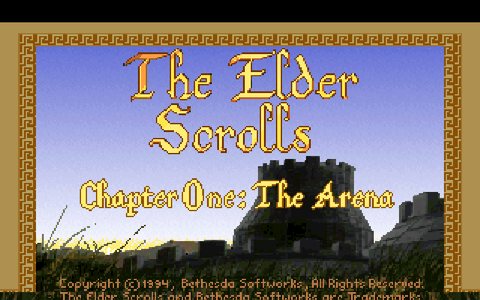
The Elder Scrolls: Arena rebuilt as a modern engine, mouse look and high resolutions included.
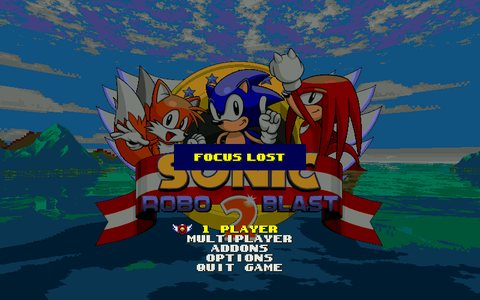
Sonic in 3D on a Doom engine, twenty years of community work behind it.
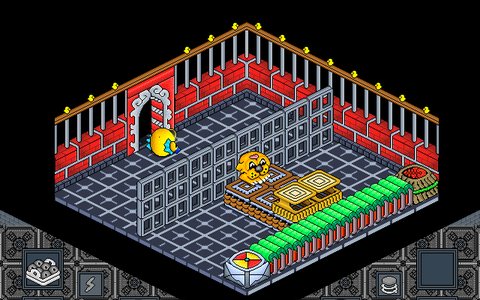
The isometric Speccy classic, two characters better together, through the free engine.
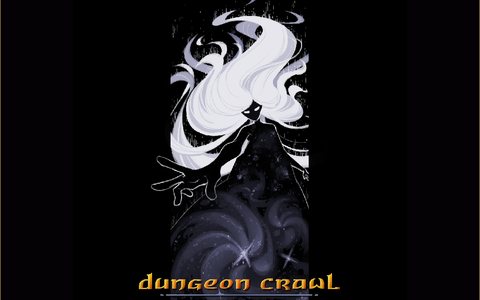
The roguelike still being written today, and one of the deepest of them all.
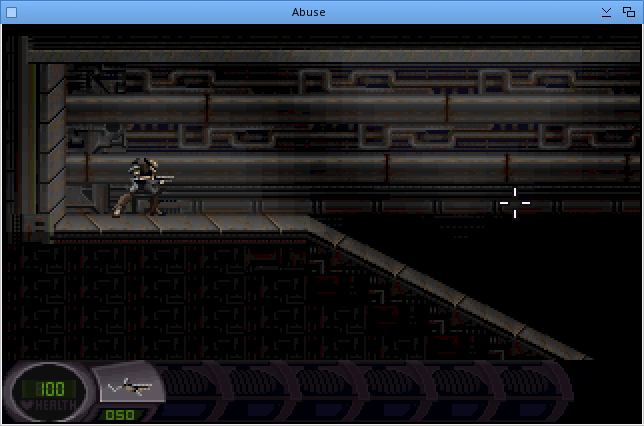
The 1995 action classic, where the mouse aims freely while you keep running. Built from the sources released by its authors.
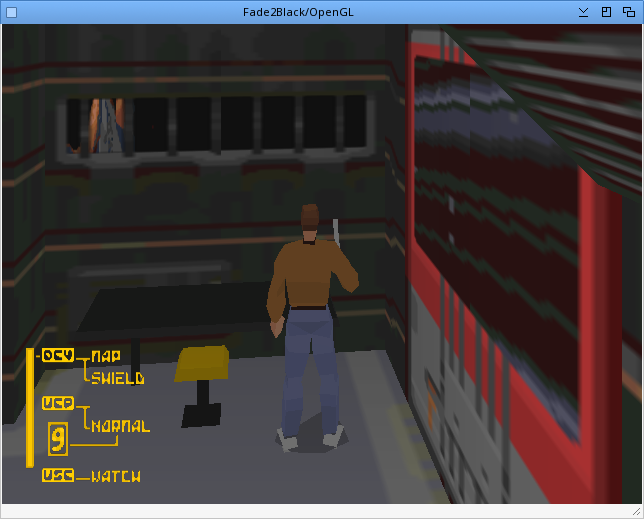
Delphine's 1995 sequel to Flashback, through the F2BGL engine, which replays the original CD data.
Acclaim's six-degrees-of-freedom shooter, the 1998 answer to Descent.
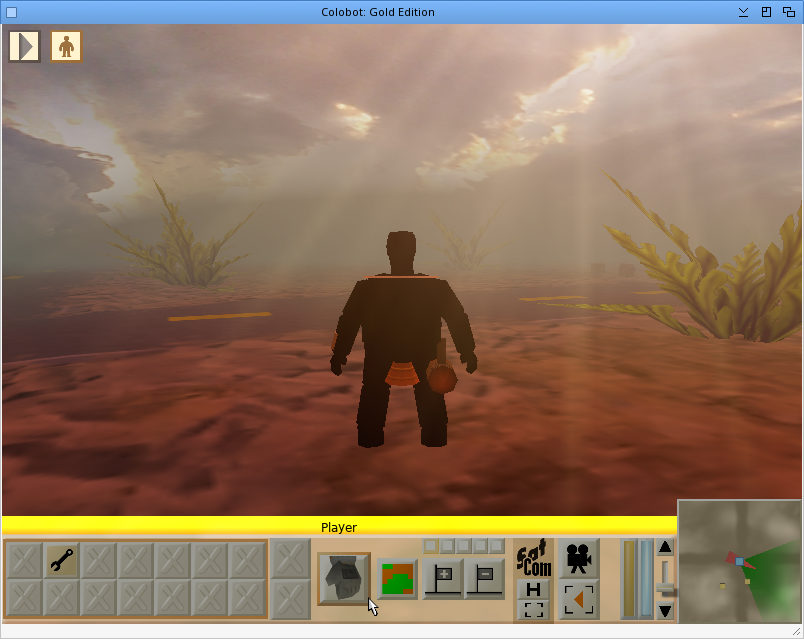
Epsitec's strategy game where you program your own robots to settle the planets, opened up in 2012 and carried on by its community.
Bullfrog's 1995 combat racer, reading the original data files.
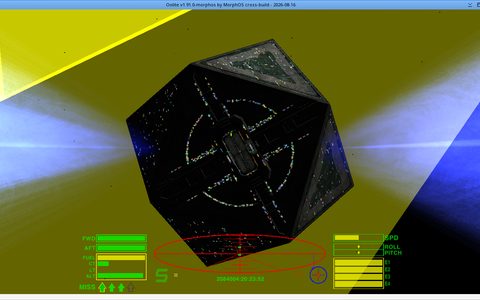
Elite reborn: trade, fight and jump between eight galaxies, with its whole world of add-ons.
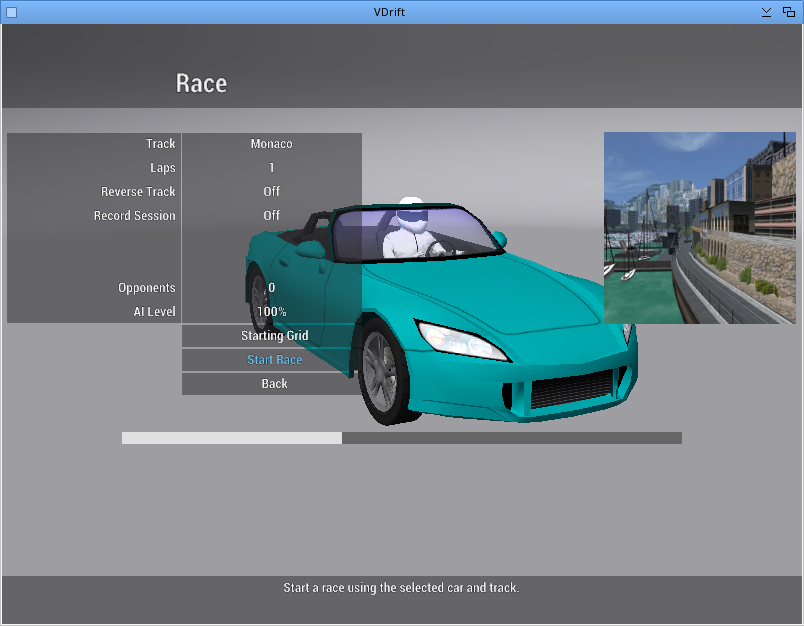
The free driving simulator, with real tyre and suspension physics built for drifting.
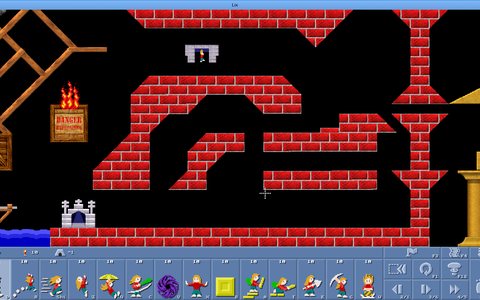
A Lemmings that stands on its own, with its levels and its editor.
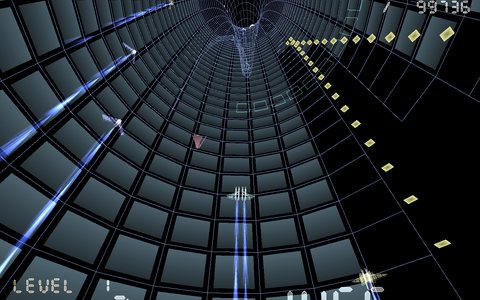
Seven of the Japanese author's abstract shooters - GunRoar, Torus Trooper and the rest.
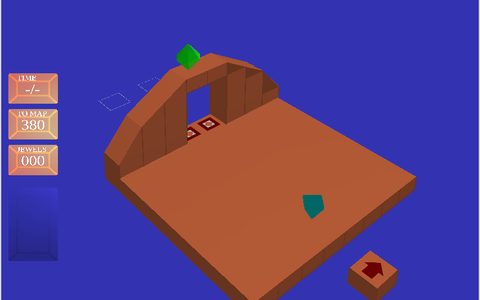
The 1986 isometric puzzle, redrawn in OpenGL and still as unforgiving.
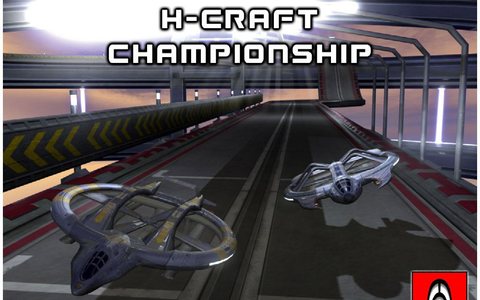
Anti-gravity racing in the Wipeout tradition, on the Irrlicht engine.
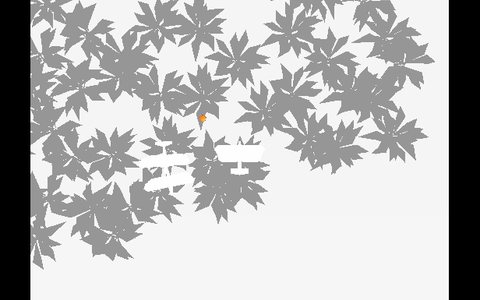
The Gulf War arcade shooter, rebuilt in 3D by a Spanish team.
A donation of €1 per project is possible. Please write the name of the project or projects you want to support in the PayPal message.
These ports are free software and will stay that way. A donation does not buy them: it supports the time spent porting them. Donors join the beta test: they receive each build as it is made and follow a port through to its finished version. Once finished, the games are released free for everyone on MorphOS-Storage. A donation is welcome at any time, before or after that release.
Some of these games need the data of the original release, which cannot be distributed freely. Those ports are supplied as the engine alone: you provide the data from a copy you own. Each readme says which files are needed and where to put them.
Support one or more projectsWould you like to see another game or another program ported? Contact me.

My name is Yannick, I'm 50 years old, the developer behind Papio-software. I've been passionate about computers since the Amiga days, and when I discovered MorphOS — a lightweight, fast and elegant operating system for PowerPC — it was love at first sight.
I develop all my applications natively in C because I believe this platform deserves software that matches its elegance and performance. From word processing with Stylos to package management with Easy2Install, each project is built with care and attention to detail.
With over 122 contributions on MorphOS-Storage — including original applications, game ports and utilities — my goal is simple: keep the MorphOS ecosystem alive, useful and enjoyable for everyone who shares this passion.
Got a question, a suggestion, want to support a project or commission a new one?